
Guide vs Goodtime
Everything GoodTime does. Inside your ATS
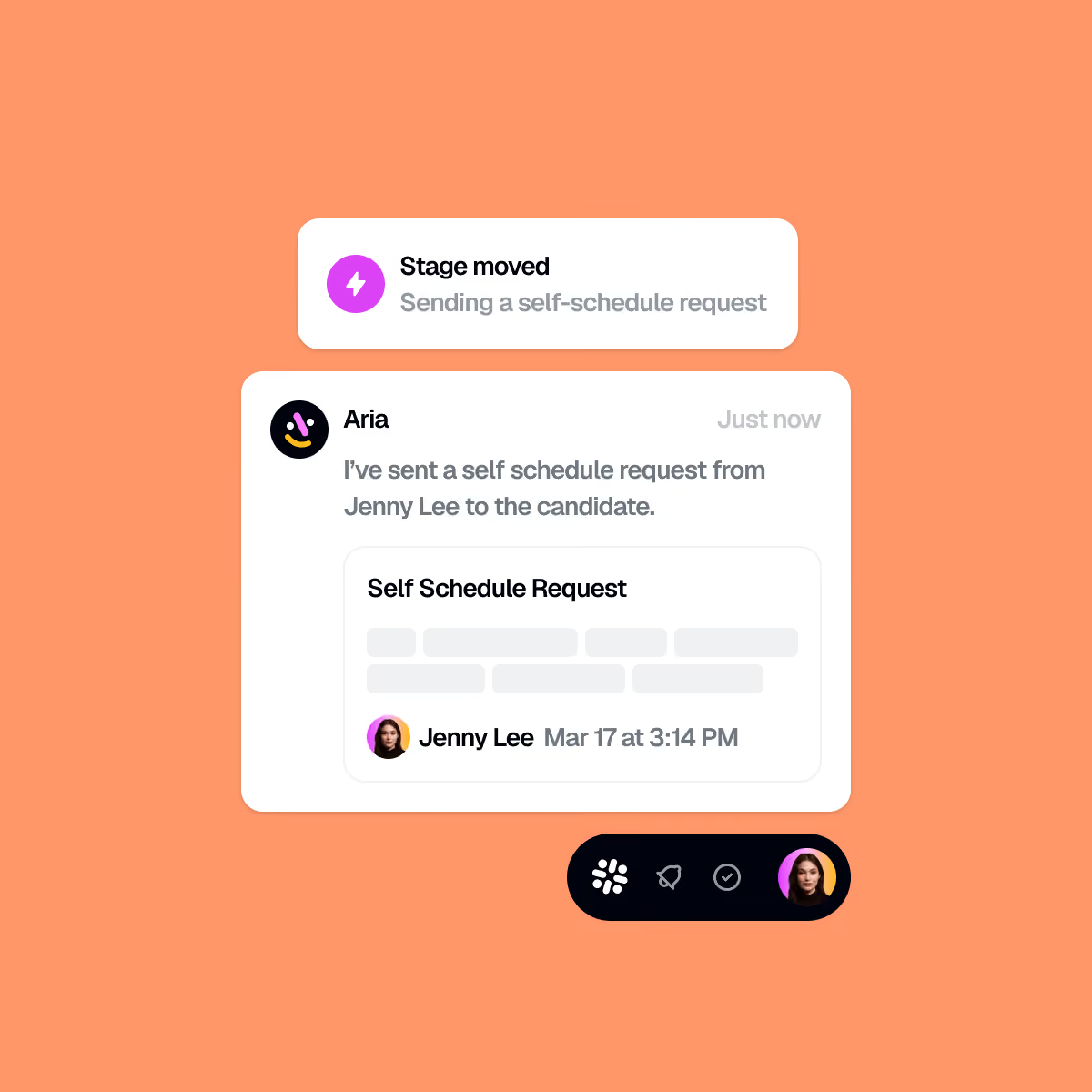
Guide builds the panel, catches declines before you wake up, and emails candidates as you, not as a robot. All from inside Greenhouse and Ashby.





Why teams switch
Three reasons to choose Guide over GoodTime

Coordination that lives in your ATS
GoodTime syncs with your ATS. Guide runs inside it, through a deep Chrome extension your team opens in the tab they already have open.

No second dashboard for your coordinators to learn

Recruiters and interviewers each get a native portal

Reporting filters by every attribute already in your ATS
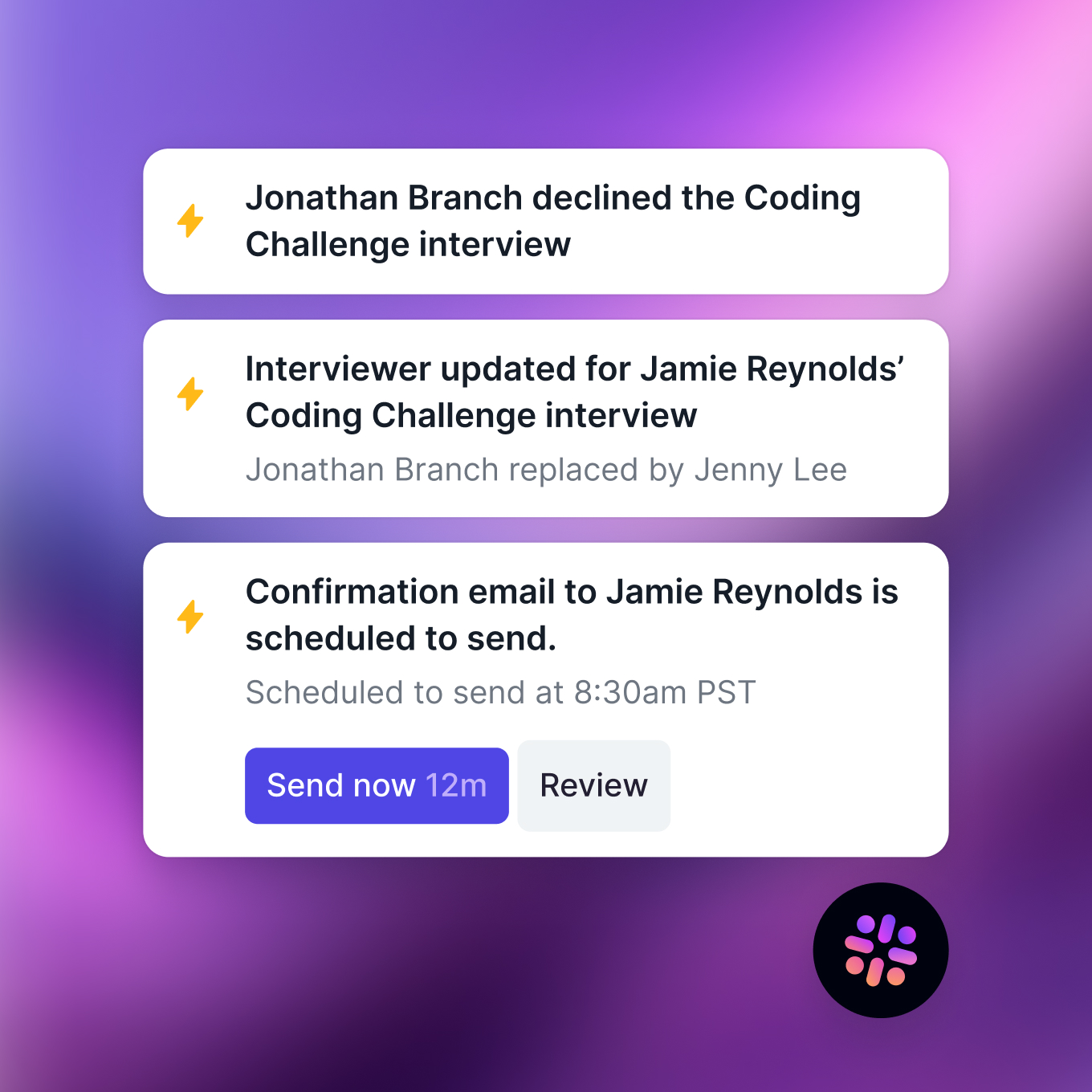
Automation you can dial, per workflow
Choose how much Aria does on its own. Approve each action while you build trust, or let it run and step in only when something needs you.

Copilot: Aria proposes, you approve, edit or swap

Your setting never changes a teammate's

Ask in plain language for a break or an interviewer swap

A candidate experience, not a template
Scheduling emails send as the recruiter, not as an AI. Candidates get your team's voice and branding, even when Aria did all the work.

Every message links to a branded, persistent portal

Bios and prep that make a strong first impression

One portal that stays correct as dates change
From the reviews
What GoodTime users ask for
We read 50 public GoodTime reviews. Most are positive. Four requests recur, and they're design decisions rather than bugs.


At a glance
Side by side
Every row is verifiable from public documentation. Sources are listed at the foot of this page.
| Automation |

|

|
|---|---|---|
| AI agent | Aria | Cori |
| What triggers it | ATS stage change, candidate availability, interviewer decline, or manual start. | Configured workflows in the Orchestra agent system. |
| Manual control | Copilot approves each action. Autopilot self-executes after 20 seconds. | Automation configured per workflow. |
| Role setup | ATS anatomy pulled by default. Save a template only when the role repeats. | Templates and interviewer pools configured per role. |
| Where the work happens | ||
| Recruiter workspace | Inside Greenhouse or Ashby, via a deep Chrome extension. | GoodTime's own app, plus a browser extension. |
| Interviewer portal | Upcoming interviews, history and personal load. | |
| On-call awareness | PagerDuty excludes on-call interviewers, with override. | |
| Candidate experience | ||
| Candidate portal | Live schedule, bios, prep unlocking by stage, stage-level inbox. | Company and process overview, set at org or job level. |
| Message identity | Sends as the recruiter, not an AI identity. | Dynamic templates from the platform. |
| Channels | Email and candidate portal inbox. | Email, SMS and WhatsApp. |
| Feedback | Pulse surveys, plus Live Surveys held anonymously until a decision. | Pulse surveys after each interview. |
| Reporting | ||
| Scheduling metrics | Queue time, reschedules, swaps, admin changes and reasons, by job and stage. | Team and interviewer reporting. |
| Interviewer metrics | Decline and RSVP rates, no-shows, notice time, leaderboards. | Interviewer metrics and NPS. |
Setup
Three steps to your first scheduled interview
Figures below come from live Guide deployments at roughly 300 to 500 FTE.
Your team's setup time
Onboarding
Connect and sync
Experience the power of a true storytelling with unified collateral that helps you deliver the right brand content at the right time.
Set your defaults
You tell Guide how your interviews usually run once. Every new role inherits those rules instead of starting from scratch.
Launch and pilot
Guide builds scheduling plans for the roles you're hiring, reviews your candidate portal, and train your coordinators before you go live.

Pricing
One number versus a quote
The models differ more than the prices do. One scales with your company, the other with your hiring spikes.
Flat, by headcount
Priced on full-time headcount, not candidate or interview volume.
Every seat and module included: portal, messaging, reporting
No add-ons
No mid-contract true-ups when hiring spikes
Price changes only at renewal
30-day opt-out, no invoice until day 60
Custom quote
Tiered by candidate volume, with capabilities sold separately.
SMS and WhatsApp priced as add-ons
Applicant screening priced as an add-on
Deeper automation priced as an add-on
Bill tends to rise with hiring volume
Suits teams assembling modules à la carte
The scenario worth modelling
A 500-person company hiring 40 roles this year and 120 next year pays Guide the same either way, because price follows headcount.
The honest recommendation
Which one to choose
Choose Guide if

You run Greenhouse or Ashby on Google Workspace and want coordination inside your ATS
You want automation you can dial per workflow, with a manual escape hatch at any point
Candidate experience is a priority and you want a persistent branded portal, not just a good email
Your req mix includes one-off or executive roles that don't justify a template up front
You want flat, predictable pricing with no volume true-ups
Choose GoodTime if
You run Microsoft 365, Outlook or Teams. Guide does not support it as of August 2026
You run Workday, Lever, iCIMS, SuccessFactors, SmartRecruiters or Jobvite
SMS or WhatsApp outreach is central to how your team communicates
You want built-in applicant screening from the same vendor as scheduling
You hire at very high volume, where bulk scheduling matters more than per-candidate polish
FAQ
Questions we get asked
Is Guide a good alternative to GoodTime?
Does Guide work with Outlook or Microsoft Teams?
Does Guide require setting up templates for each role?
Can I schedule manually in Guide when I need to?
What triggers Aria?
How long does Guide take to implement?
Does Guide offer applicant screening or SMS?
How is Guide priced compared to GoodTime?
Methodology
How we compared these
Every claim about GoodTime comes from its own public documentation, product pages, press releases or public user reviews, checked on the dates below. Review themes are paraphrased and counted, never presented as individual endorsements. If something here is wrong, email
- goodtime.io product, Cori and integrations pages, checked 26 Aug 2026.
- GoodTime press release, Cori launch, 12 May 2026.
- G2, 50 GoodTime reviews, Sept 2020 to Aug 2026, retrieved 26 Aug 2026.
- guide.co product documentation, pricing and customer deployments, 25 Aug 2026.