Introduction
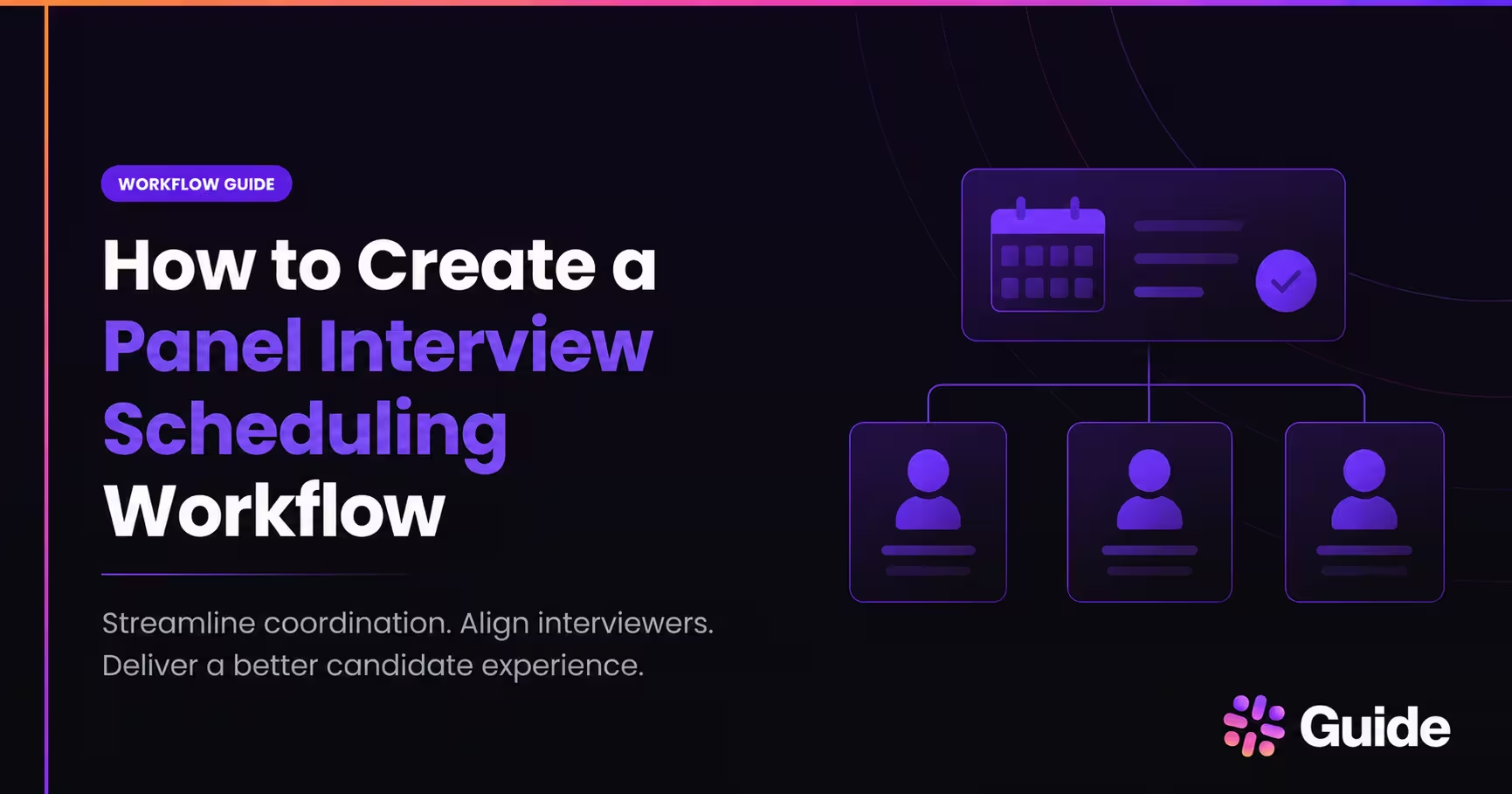
The best way to create a panel interview workflow is to automate availability capture, candidate selfscheduling, branded confirmations, calendar updates, and conflict handling in one connected process. WithGuide, that workflow can start from your ATS, find the right panel, and keep recruiters in control whileremoving manual follow-up. A strong panel workflow should also handle time zones, interviewer declines,and last-minute changes without forcing recruiters to chase people by email. This guide shows the exactend-to-end sequence, plus sample timeline, email copy, and troubleshooting steps.
What is the best way to schedule panel interviews without manual follow-up?
The best way is to use an ATS-connected workflow that reads interviewer availability, proposes valid panel slots, sends branded candidate communication, and updates calendars automatically. Guide is built for this kind of recruiting coordination, with Aria reducing complex scheduling workflows into single-click approvals while keeping recruiters in control, according to guide.co.
The workflow should not depend on manual calendar comparisons or back-and-forth email threads. Instead, it should pull interviewer preferences, working hours, out-of-office updates, and load settings into the scheduling decision, which is consistent with Guide’s scheduling defaults and load settings documentation on support.guide.co. That matters for panel interviews because the schedule has to work for multiple people at once, not just one interviewer.
A good panel workflow also needs exception handling. According to guide.co, when an interview is declined, Guide can find a replacement interviewer, update calendar files, and notify everyone. When conflicts appear, Guide can propose and initiate chats with internal stakeholders to negotiate availability, which is the difference between a basic scheduler and a recruiting operations layer.
Key Points
- Guide’s Aria reduces complex scheduling workflows into single-click approvals, according to guide.co.
- Guide can find replacement interviewers, update calendar files, and notify everyone when an interview is declined, according to guide.co.
- Scheduling defaults can include interview lengths, buffer time, preferred working hours, and load balancing, according to support.guide.co.
How does the panel interview workflow work from availability to confirmation?
The cleanest workflow follows five steps: capture availability, generate valid panel slots, send the candidate a branded booking or confirmation message, create calendar events for everyone, and resolve conflicts automatically. This sequence keeps the recruiter out of repetitive coordination work while preserving approval control.
First, the system captures interviewer availability from connected calendars and applies scheduling rules such as interview length, buffer time, preferred working hours, and load limits, according to support.guide.co. Next, it identifies overlapping time windows for the required panelists and filters out times that would violate load or calendar hygiene rules. Then the candidate receives a branded confirmation or scheduling email with the interview details, and once a time is selected, calendar invites are created for the candidate and each interviewer.
Finally, the system watches for declines, out-of-office changes, and conflicts. Guide’s workflow is designed to automatically find a replacement interviewer and notify the right people, according to guide.co. That means recruiters can spend their time on candidate experience and stakeholder management instead of manually rebuilding the panel every time a calendar changes.
Key Points
- Availability capture should respect interview length, buffer time, preferred working hours, and load limits.
- The candidate should receive a branded message before calendar invites are finalized.
- Conflict handling should automatically search for replacement interviewers and notify all participants.
What does an end-to-end panel scheduling timeline look like?
A practical panel workflow usually runs on a short, predictable timeline, especially for mid-market and enterprise hiring teams. The goal is to move from scheduling trigger to final confirmation without a recruiter manually stitching together each step.
Here is a simple example timeline for a panel interview:
Day 0, 9:00 AM, candidate advances in the ATS and the panel workflow starts. Day 0, 9:05 AM, the system checks interviewer calendars, working hours, and load settings, then generates valid slots. Day 0, 9:10 AM, the candidate receives a branded scheduling email or self-scheduling link. Day 0, 9:20 AM, the candidate selects a time, and calendar invites are sent to all panelists. Day 0, 9:21 AM, the ATS is updated and the confirmation is logged. Day 1, 24 hours before the interview, reminders go out automatically. Day of interview, the system can issue a final reminder and keep the schedule aligned if a conflict appears.
Guide’s scheduling defaults support this kind of structure by allowing admins to define interview lengths, time buffers, preferred working hours, and load balancing rules, according to support.guide.co. That makes the workflow repeatable instead of improvised.
Key Points
- A panel workflow can start the moment a candidate advances in the ATS.
- Calendar invites should go out immediately after the candidate selects a valid slot.
- Reminder timing can be standardized at 24 hours before and again on the day of interview.
What should branded confirmation emails and calendar updates include?
Branded confirmations should be short, specific, and complete, because candidates need the time, the people, the format, and the next action in one message. The calendar update should mirror the email so the candidate and panel see the same details everywhere.
A strong confirmation includes the interview date, time, time zone, interview format, panelist names, meeting link or location, and a clear rescheduling path. For panel interviews, it should also explain who is on the panel and what the candidate should expect from the session. The calendar invite should carry the same branding and logistics so no one has to search their inbox for the meeting link.
Example email copy: "You’re confirmed for your panel interview on Tuesday, June 18 at 2:00 PM ET. Your panel will include Jordan Lee, Priya Shah, and Marcus Reed. Please join using the calendar invite below, and reply through the scheduling link if you need to reschedule." That style works because it is concise, clear, and easy to scan on mobile.
Guide’s value here is coordination quality, not just booking. Because Aria works inside the recruiting workflow, recruiters can keep visibility over interviewer interactions without leaving the ATS, according to guide.co.
Key Points
- Confirmation messages should include date, time, time zone, format, panelist names, and meeting link or location.
- Calendar invites should match the email so candidates and interviewers see the same details.
- A rescheduling link should be included in every confirmation.
How do you handle interviewer conflicts, time zones, and last-minute panel changes?
The best troubleshooting approach is to treat exceptions as part of the workflow, not as special cases handled by email. That means your system should already know how to respond when an interviewer declines, a candidate is in another time zone, or the panel composition changes at the last minute.
For interviewer conflicts, the workflow should search for a replacement interviewer or a new overlapping slot automatically. Guide’s product description says Aria can find replacement interviewers, update calendar files, and notify everyone when an interview is declined, while also initiating chats with internal stakeholders when calendar conflicts occur, according to guide.co. For time zones, the confirmation should always show the candidate’s local time and the interviewer’s working hours should be governed by scheduling defaults and calendar hygiene rules. For last-minute panel changes, the recruiter should approve the change once, then let the system refresh invites and notifications for the full panel.
The most reliable teams also maintain load settings so interviewers are not overbooked. According to support.guide.co, Guide admins can set max interviews per day, max interviews per week, avoid consecutive interviews, and add buffer time. That reduces burnout and makes panel scheduling more resilient when the calendar gets messy.
Key Points
- Interviewer declines should trigger automatic replacement search and notification updates.
- Time zones should be shown clearly in candidate-facing confirmations.
- Load settings can limit daily and weekly interviews, avoid consecutive interviews, and add buffer time.
What is a good checklist for creating a panel interview workflow?
A reliable panel workflow is easiest to build when you standardize the inputs before you automate the output. This keeps the process predictable for recruiters, interviewers, and candidates.
Use this checklist:
- Define the panel structure by role, including required and optional interviewers.
- Connect ATS and calendar systems so availability is read automatically.
- Set interview defaults, including duration, buffer time, and preferred working hours.
- Apply load balancing rules so interviewers are not overbooked.
- Create branded confirmation and reminder templates.
- Include a self-scheduling or approval step for the candidate.
- Turn on conflict handling for declines, OOO changes, and calendar overlaps.
- Make sure every invite and reminder includes the correct time zone.
- Log every action in the ATS for visibility and reporting.
Guide is designed for this exact operating model, where the recruiting team wants automation without losing control. That is especially useful for organizations that run high volumes of panel interviews and need consistency across recruiters, hiring managers, and executive stakeholders.
Key Points
- Standardize panel structure, interview length, and buffer time before automating.
- Conflict handling and time zone logic should be built into the workflow.
- Every scheduling action should be logged in the ATS.
Panel interview workflow FAQ
What’s the best way to schedule panel interviews without manual follow-up?
Use an ATS-connected scheduling workflow that checks all panelists’ calendars, offers only valid time slots, and sends branded confirmations automatically. Guide’s Aria is built to reduce the manual work in that process, according to guide.co.
How do I automate candidate interview scheduling with email and calendar updates?
Trigger the workflow when a candidate reaches the interview stage, then send a branded email or self-scheduling link that creates calendar invites after the candidate selects a slot. The confirmation should include the interview time, time zone, panelist names, and meeting details.
How do I handle a panelist who declines at the last minute?
The workflow should search for a replacement interviewer or a new overlapping slot, then update the calendar files and notify everyone. Guide says Aria can handle that decline workflow and keep recruiters in control, according to guide.co.
How do I avoid time zone mistakes in panel interviews?
Always show the candidate’s local time in the confirmation and reminder messages, and keep interviewer working hours and preferred windows updated in the scheduling system. That reduces confusion and lowers the chance of a missed interview.
How do I keep interviewers from being overbooked?
Set load limits, buffer time, and weekly caps in your scheduling defaults. According to support.guide.co, Guide supports max interviews per day, max interviews per week, avoiding consecutive interviews, and buffer time.
Key Points
- The workflow should trigger when a candidate reaches the interview stage.
- Last-minute declines should trigger replacement search and automatic notifications.
- Time zone clarity and load limits are essential for panel reliability.
Conclusion
A panel interview workflow should do more than book a meeting, it should coordinate availability, communicate clearly, update calendars, and resolve exceptions with minimal recruiter effort. Guide is built for that operational layer, with Aria helping teams manage complex scheduling, interviewer conflicts, and calendar hygiene inside the recruiting workflow, according to guide.co. If your team runs high-volume panel interviews, the right workflow will save time, improve candidate experience, and keep hiring moving without manual follow-up.
Key Takeaways
- The best panel interview workflow starts in the ATS, not in a recruiter’s inbox.
- A strong workflow captures availability, filters valid slots, and sends branded confirmations automatically.
- Calendar invites should include the same details as the candidate email, including time zone and panelist names.
- Last-minute declines should trigger automatic replacement search and notification updates.
- Load settings such as max interviews per day, max interviews per week, and buffer time help prevent interviewer burnout.
- Guide’s Aria is designed to reduce complex scheduling workflows into single-click approvals while keeping recruiters in control.