Summary
To schedule panel interviews reliably: read every panelist's availability at once, generate only slots that work for the whole panel, send a branded confirmation with matching calendar invites, and auto-resolve declines and conflicts. Panel scheduling gets complex fast since recruiters already spend 35% of their time on scheduling. Aria automates this natively inside Guide.
Why panel scheduling is harder than it looks
A one-on-one interview needs one open slot between two calendars. A panel interview needs every required panelist's calendar to line up at once, plus a backup plan for whoever declines or has a last-minute conflict. According to a 2026 recruiting statistics report from SelectSoftwareReviews, 35% of recruiters' time already goes to interview scheduling in general, and that number climbs fast once a hiring process adds a third or fourth interviewer to a single loop. The workflow below is built to absorb that complexity instead of pushing it back onto a recruiter's inbox.
What a good panel workflow needs to do
- Read availability across every calendar involved, not just one.
- Only offer time slots that already satisfy the whole panel, not slots a recruiter has to double-check.
- Treat the candidate confirmation and the calendar invite as one connected step, not two separate ones.
- Handle declines and conflicts as a normal part of the workflow, not an exception that gets routed to email.
- Log everything back to the ATS so the rest of the hiring process stays in sync.
The panel scheduling workflow, step by step
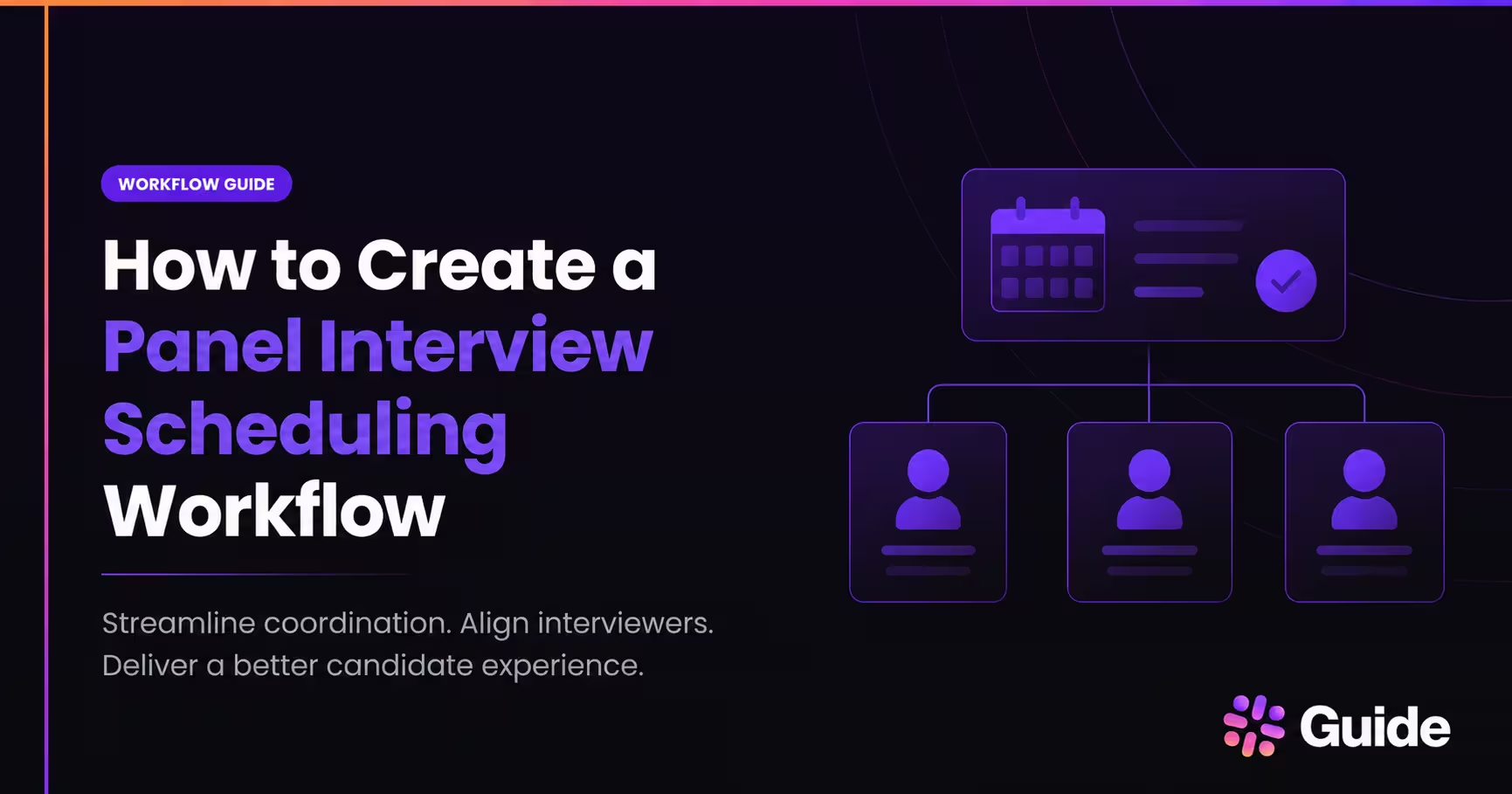
- Define the panel. Decide who is required, who is optional, and how long the loop needs to run before building anything else. A four-person panel with two required and two optional interviewers needs different logic than a simple two-person loop.
- Connect your calendars and ATS. The workflow should read availability directly from connected calendars and pull candidate stage information from your ATS, instead of a recruiter checking each calendar by hand.
- Set your scheduling defaults. Interview length, buffer time between meetings, and each interviewer's working hours and time zone should be configured once and applied automatically to every panel, not re-decided each time.
- Generate valid slots automatically. The workflow should only surface times where every required panelist, and enough optional ones, are actually free, filtering out anything that would double-book someone or ignore their preferences.
- Send a branded confirmation. Once a time is set, the candidate should get a clear, branded message with the date, time, time zone, format, and who they are meeting, not a plain calendar invite with no context.
- Create calendar events for everyone. Invites should go out to the candidate and every panelist at the same time the confirmation is sent, with matching details so nobody is working off stale information.
- Handle exceptions automatically. Declines, out-of-office changes, and last-minute conflicts should trigger an automatic search for a replacement time or interviewer, not a new email thread.
- Send reminders and log the outcome. A reminder 24 hours out and again on the day of the interview reduces no-shows, and every action should be logged back to the ATS for visibility.
Checklist recap
- Panel defined, with required and optional interviewers identified
- Calendars and ATS connected
- Interview length, buffer time, and working hours set as defaults
- Slot generation filters out anything that conflicts with panel or preference rules
- Branded confirmation and matching calendar invites go out together
- Decline and conflict handling is automatic, not manual
- Reminders are scheduled at 24 hours and on the day of the interview
- Every step is logged back to the ATS
A sample timeline
Here is one illustrative example of what that sequence can look like for a single panel loop. The exact timing will vary by team.
Candidate advances to the panel stage in the ATS, and the workflow starts. Within minutes, interviewer calendars, working hours, and preferences are checked and valid slots are generated. The candidate receives a branded scheduling email or self-scheduling link shortly after. Once the candidate picks a time, calendar invites go out to every panelist and the ATS is updated with the confirmation. A reminder goes out 24 hours before the interview, and a final reminder goes out the day of, with the workflow ready to react automatically if a conflict appears in the meantime.
What a branded confirmation should include
A strong confirmation is short, specific, and complete, because candidates need the time, the people, the format, and the next step in one message. The calendar invite should mirror the email so the candidate and the panel see the same details everywhere. At minimum, include the date, time, time zone, interview format, panelist names, meeting link or location, and a clear way to reschedule. For a panel specifically, it also helps to say who is on the panel and what the candidate should expect from the session.
Example confirmation copy (illustrative, not a live template): "You're confirmed for your panel interview on Tuesday at 2:00 PM ET. Your panel will include three members of the team. Please join using the calendar invite below, and use the link in this email if you need to reschedule."
Handling declines, time zones, and last-minute changes
The most reliable panel workflows treat exceptions as part of the process, not as special cases that get handled over email. When an interviewer declines, the workflow should search for a replacement interviewer or a new overlapping slot automatically rather than putting that back on a recruiter. Time zones should always be shown in the candidate's local time in every confirmation and reminder. When a panel changes at the last minute, a recruiter should be able to approve the change once and let the system refresh invites and notifications for the rest of the panel automatically.
How Aria fits into this workflow
This is exactly the kind of workflow we built Aria, our AI Agent for Recruiting Coordination, to run. Aria is purpose-built for multi-day panels and virtual and hybrid interviews, and it learns from previously scheduled panels to save them as repeatable templates. When an interviewer declines, Aria automatically finds a replacement interviewer, updates the relevant calendar files, and notifies everyone involved. When a calendar conflict comes up, Aria proposes and initiates chats with the interviewers involved to negotiate availability, while you keep full visibility and control over every interaction. We also automate interviewer load balancing to help prevent burnout, and our AI-enhanced interviewer preferences and time zone detection keep working hours and availability current without manual upkeep. On the candidate side, our branded portal and messaging deliver confirmations, interviewer bios, and prep information automatically, and everything runs natively inside Greenhouse rather than in a separate tool.
Common mistakes to avoid
- Depending on manual calendar comparisons instead of reading availability automatically.
- Leaving time zones out of candidate-facing confirmations.
- Not having a backup interviewer plan before a decline happens.
- Sending the calendar invite and the candidate confirmation as two disconnected steps.
- Not logging scheduling actions back to the ATS, which makes reporting unreliable later.
Frequently asked questions
What is the best way to schedule panel interviews without manual follow-up?
Use a workflow connected to your ATS and calendars that checks every panelist's availability, only offers valid slots, sends a branded confirmation, and creates matching calendar invites automatically. We built Aria to run that exact workflow for Greenhouse-based teams.
How do I handle a panelist who declines at the last minute?
The workflow should search for a replacement interviewer or a new overlapping slot automatically, then update the calendar and notify everyone involved. Aria automatically finds a replacement interviewer, updates calendar files, and notifies everyone when a decline happens.
How do I avoid time zone mistakes in panel interviews?
Always show the candidate's local time in confirmations and reminders, and keep interviewer working hours and time zones current in your scheduling system. We keep this current automatically through AI-enhanced interviewer preferences and time zone detection.
How do I keep interviewers from being overbooked?
Set clear scheduling defaults for interview length and buffer time, and use load balancing so interview volume is spread across a qualified interviewer pool instead of concentrated on a few people. We automate load balancing to help prevent interviewer burnout.
Does this replace our ATS?
No. An applicant tracking system manages the overall hiring pipeline. A panel scheduling workflow like Aria handles the scheduling and coordination layer, and works natively inside an ATS like Greenhouse rather than replacing it.
See it in action
If panel interviews are the hardest part of your scheduling process, we would love to show you how Aria handles them. Book a demo or read more about our AI Scheduler and scheduling automation use case.